Guide
Working with Connections
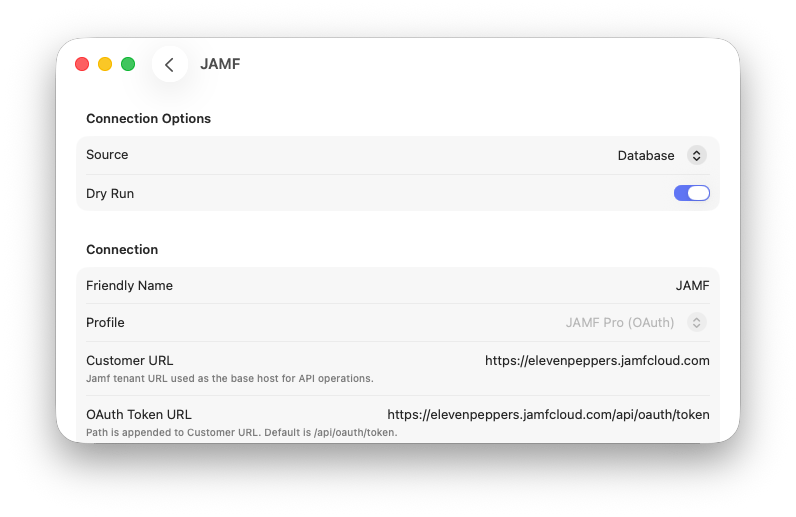
Connections define how ABM Warranty sends outbound updates to external systems (for example, JAMF Pro or builder-based APIs). Each connection stores endpoint, authentication, contract, and mapping behavior.
Where to Find Connections
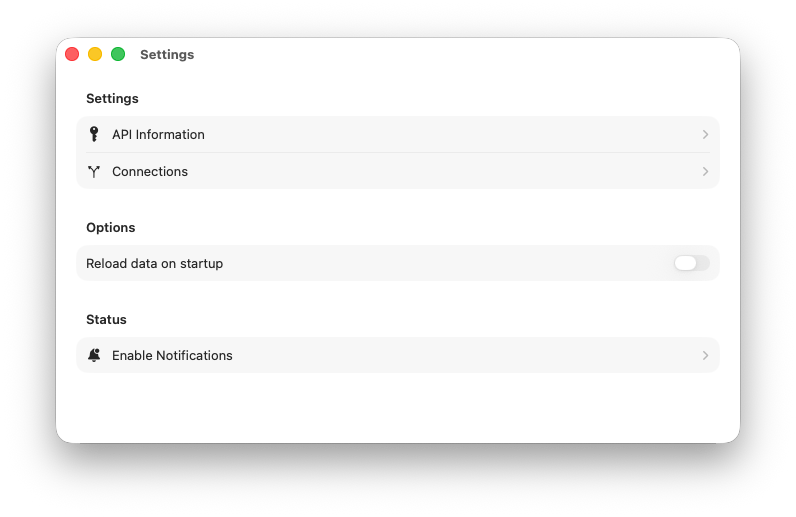
- Open Settings and go to Connections.
- Select Add Connection to create a new one.
- Select an existing connection to edit options, mappings, and API contract details.
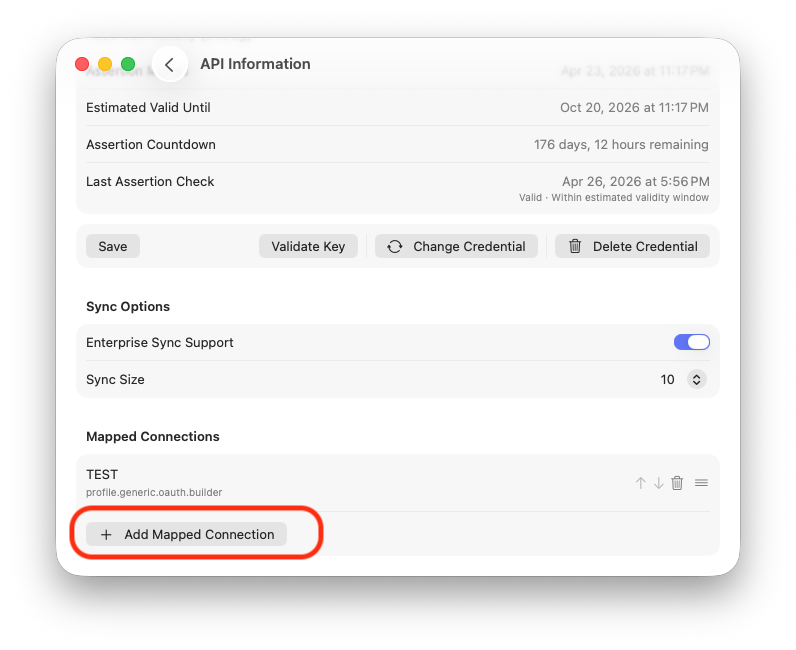
- Use Mapped Connections in Credential settings to associate connections to a credential.
High-Level Sorting and Ordering Logic
- The main Connections list is sorted alphabetically by connection name for stable browsing.
- Connection-to-credential relationships are shown as associated credential tags/pills.
- Execution order is controlled in each credential's Mapped Connections section using up/down ordering.
- That mapped order is the outbound run order used by sync execution.
Where Jobs Are Processed
- When outbound sync runs, ABM Warranty creates an outbound run and one job per mapped connection.
- Jobs are processed by the outbound sync engine in mapped order for the selected credential.
- Progress and results appear in Outbound Sync Jobs and the dashboard outbound progress area.
- Inbound ABM sync history remains separate in Inbound Sync Jobs.
This page is intentionally high-level. For field-level mapping behavior and contract configuration, use the connection wizard and Update Mapping / Update API Contract views.
Operational Behavior During Outbound Sync
Outbound jobs execute in the mapped connection order configured for each credential. If a credential has multiple connections, each connection runs as its own outbound job in sequence.
Source Modes
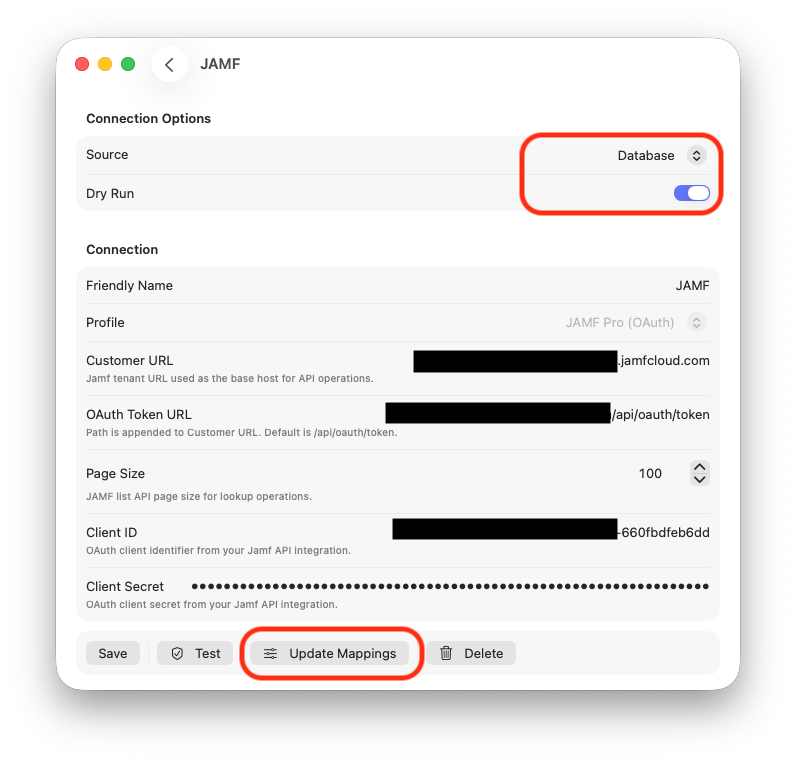
- Database: outbound uses locally persisted ABM data as source.
- Live API: outbound reconciles using live source data flow where enabled.
Dry Run
Dry run evaluates updates without writing destination changes and reports diagnostics (would update, skipped, missing source, missing destination).
Credential Association
After creation, connections are associated to credentials in the credential detail screen under Mapped Connections. Ordering in that section determines outbound execution order for that credential.